Make CLI: Managing Complex Scenarios via Local Terminal Agents
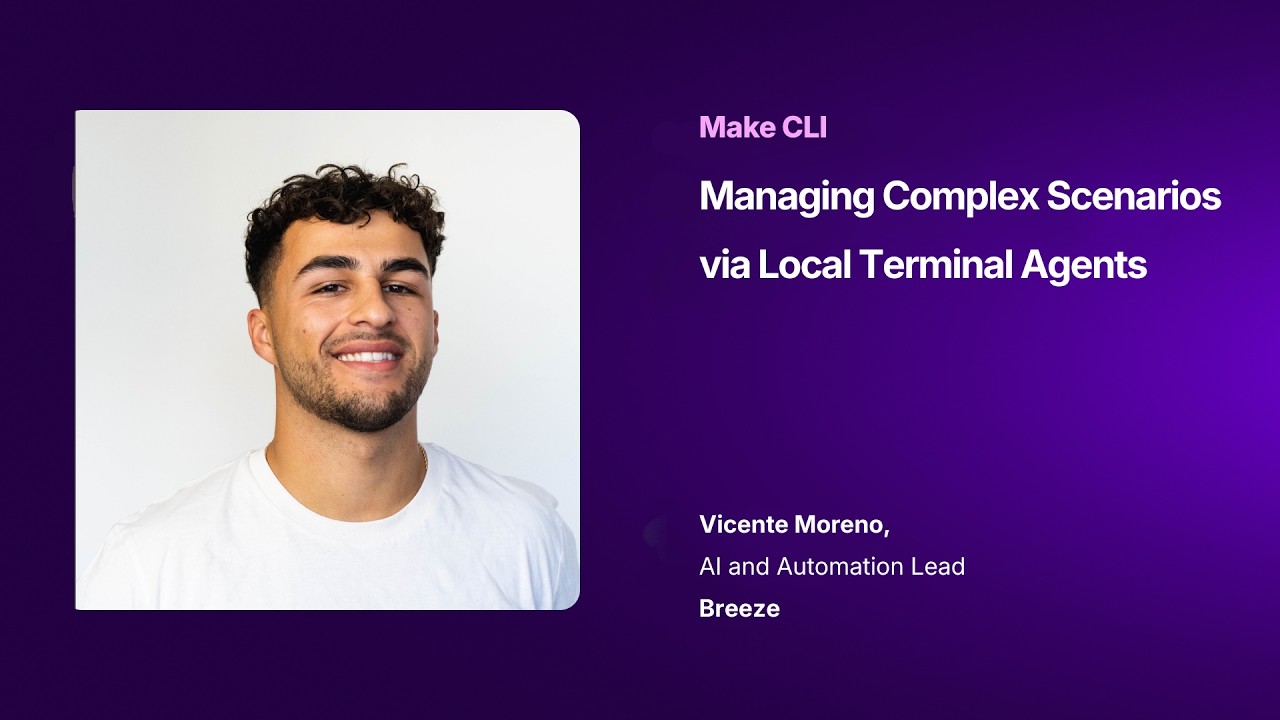
A detailed technical demonstration showing how to leverage the new official Make CLI inside a local coding assistant like Claude Code to orchestrate complex account operations. Vicente demonstrates how to bypass the standard browser UI to programmatically bulk-edit schedules, pull execution analytics, sync workflow blueprints with Git, and auto-generate new multi-module scenarios via terminal conversations.
🔍 Inside the Build:
* CLI Setup & Authentication: A quick guide on establishing a dedicated project folder, running global installation commands, and using the credential wizard to safely save high-access API keys to a local configuration file.
* Bulk Metadata Modification: Watch a live correction of a scenario execution interval, illustrating how the CLI targets specific team and scenario IDs to modify metadata directly from the command line.
* Terminal Account Analytics: How to prompt an AI agent to query full account performance data, successfully identifying broken scenarios and isolating specific execution failure rates across multiple teams.
* Git & CI/CD Pipeline Integration: Learn how to programmatically command Claude to generate separate development branches, export localized workflow JSON blueprints, and auto-submit clean pull requests for version control auditing.
* AI-Driven Scenario Bootstrapping: Watch an AI agent draft a multi-module workflow architecture (combining YouTube, HTTP scrapers, Anthropic reasoning, Slack, and Airtable) and visually realign the structural placement node arrays straight from the terminal layout.
🛠️ Featured Stack:
* Make (Official Visual CLI Tool & Structural Blueprints)
* Claude Code / Claude 4.7 Opus (Local CLI Terminal Agent)
* Git & GitHub (Branching, Version Control, and Pull Requests)
* Airtable & Slack (Dynamic Target Integration Endpoints)
💡 Pro-Tip from Vicente: "Lock your agent's learnings." Vicente emphasizes that while letting an AI agent execute CLI commands is highly efficient, it can initially consume a large volume of tokens as it explores account mechanics. Force the model to log its discoveries into the project's memory bank or persistent instructions to significantly optimize token usage on subsequent builds. 🔗 Make
https://www.youtube.com/watch?v=i7YKALfb25Y&utm_source=dlvr.it&utm_medium=blogger

🔍 Inside the Build:
* CLI Setup & Authentication: A quick guide on establishing a dedicated project folder, running global installation commands, and using the credential wizard to safely save high-access API keys to a local configuration file.
* Bulk Metadata Modification: Watch a live correction of a scenario execution interval, illustrating how the CLI targets specific team and scenario IDs to modify metadata directly from the command line.
* Terminal Account Analytics: How to prompt an AI agent to query full account performance data, successfully identifying broken scenarios and isolating specific execution failure rates across multiple teams.
* Git & CI/CD Pipeline Integration: Learn how to programmatically command Claude to generate separate development branches, export localized workflow JSON blueprints, and auto-submit clean pull requests for version control auditing.
* AI-Driven Scenario Bootstrapping: Watch an AI agent draft a multi-module workflow architecture (combining YouTube, HTTP scrapers, Anthropic reasoning, Slack, and Airtable) and visually realign the structural placement node arrays straight from the terminal layout.
🛠️ Featured Stack:
* Make (Official Visual CLI Tool & Structural Blueprints)
* Claude Code / Claude 4.7 Opus (Local CLI Terminal Agent)
* Git & GitHub (Branching, Version Control, and Pull Requests)
* Airtable & Slack (Dynamic Target Integration Endpoints)
💡 Pro-Tip from Vicente: "Lock your agent's learnings." Vicente emphasizes that while letting an AI agent execute CLI commands is highly efficient, it can initially consume a large volume of tokens as it explores account mechanics. Force the model to log its discoveries into the project's memory bank or persistent instructions to significantly optimize token usage on subsequent builds. 🔗 Make
https://www.youtube.com/watch?v=i7YKALfb25Y&utm_source=dlvr.it&utm_medium=blogger

